https://www.kapilarya.com/developer-mode-package-failed-to-install-error-code-0x80004005-windows-10
FIX : Developer Mode Package Failed To Install. Error Code: 0x80004005
Registry Disclaimer: The further steps will involve registry manipulation. Making mistakes while manipulating registry could affect your system adversely. So be careful while editing registry entries and create a System Restore point first.
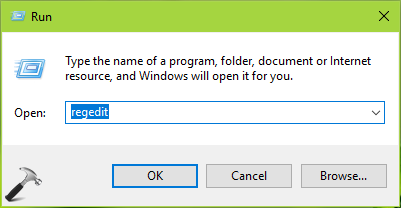
1. Press  + R and put regedit in Run dialog box to open Registry Editor (if you’re not familiar with Registry Editor, then click here). Click OK.
2. Navigate to following registry key:
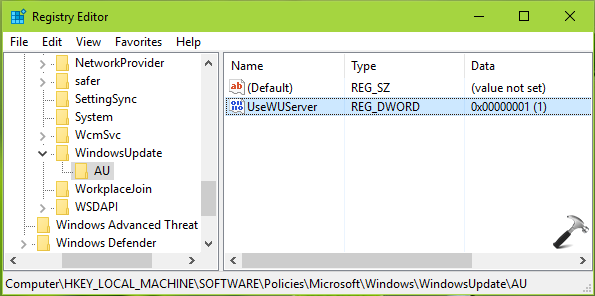
HKEY_LOCAL_MACHINE\SOFTWARE\Policies\Microsoft\Windows\WindowsUpdate\AU
3. In the corresponding right pane of AU registry key, you’ll see a registry DWORD (REG_DWORD) named UseWUServer which might be set to 1. Double click on it to modify its Data.
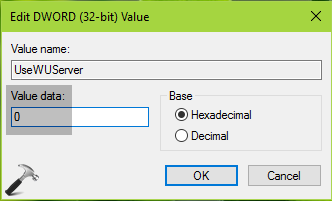
4. Then in Edit DWORD Value box, put the Value data as 0. Click OK and close the Registry Editor window.
You can now reboot your machine and try enabling Developer mode, it should get activated this time.
Hope this helps!